
What is XUS Launcher (Original Name: XUS Desktop)?
XUS Launcher - A powerful launcher for your Windows system
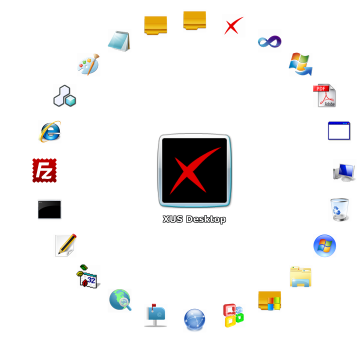
XUS Launcher is a powerful launcher for your Windows system. It offers a fast and flexible way to launch your frequent programs.
It also allows quick access to your Windows system directories and Windows accessories.
With XUS Launcher you can set a shortcut icon for one application or for a whole group of applications.
Whether you are accustomed to using a keyboard or a mouse, XUS Launcher allows you to launch applications in the fastest way possible.
No matter how many windows are open, the hot key (Alt + Space) can bring XUS Launcher to the top.
It is always easy to reach XUS Launcher. With XUS Launcher, you can organize your windows desktop icons the way you want
with very little effort. It will clear your Windows desktop and make it beautiful. If you are tired of the same old Windows desktop,
Please try XUS Launcher. It ie the best launcher you have never used. Soon you won't be able to use your computer without XUS Launcher.
Version: 2.5.0 Size: 3.03MB Price: $19.95 (


Benefits & Features
* Fast & Flexible way to launch your frequent programs.
* Another way to organize your windows desktop icons.
* Keyboard shortcuts help you saving time.
* Make your Windows desktop clear and beautiful.
* More useful and helpful functions.
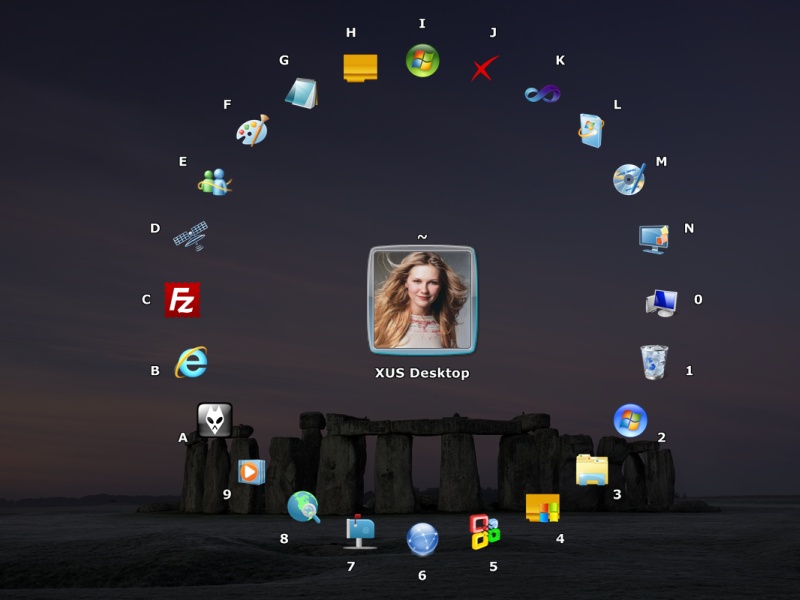
* Have 8 built-in groups & most-used programs.
* Let you fast to access your Windows system directories & Windows accessories.
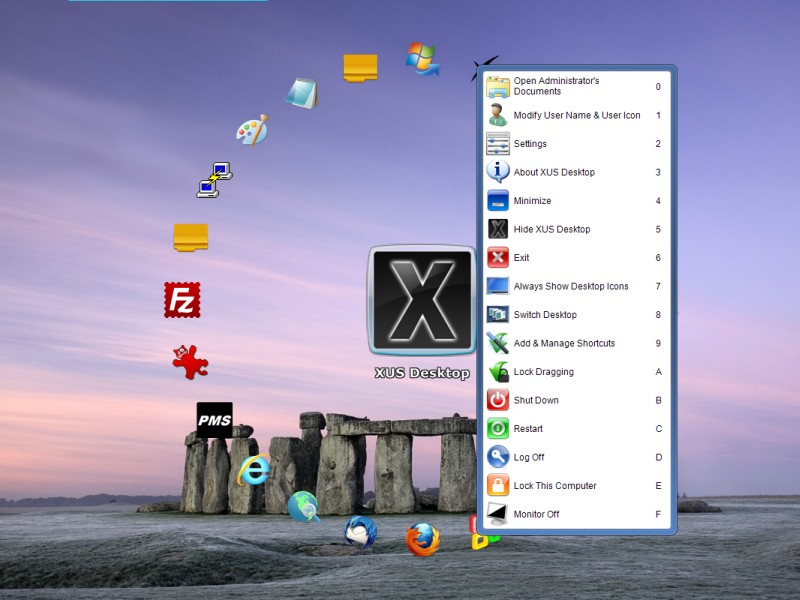
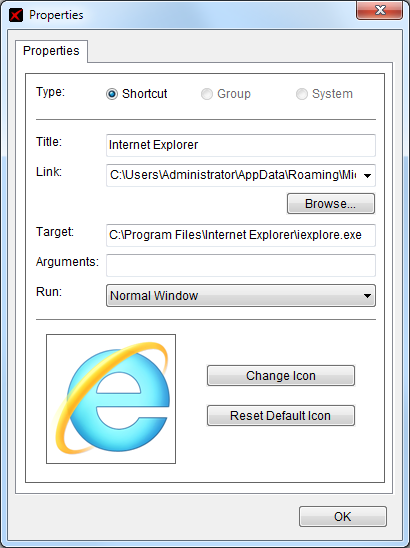
About XUS Launcher, There are only three things you must have to know.1. Hotkey (Alt + Space).2. Hotkey (Shift + Tab).3. Add shortcut via Drag-Drop Operation.Enjoy the new style operation now! Fast, Flexible, Beautiful . . . |
Screenshots
 |
 |
 |
 |
 |
 |
User Reviews
Reviewed by Ralph Bressler
I have used a lot of different programs and utilities that I THOUGHT would be useful. Most I have not used and eventually uninstalled them. I have tried many different program launchers and found them wanting in some way. I installed XUS Desktop and immediately began to use it. It has become an integral part of my computer system and I use it ALL the time.
Reviewed by Findmysoft.com
Pros:
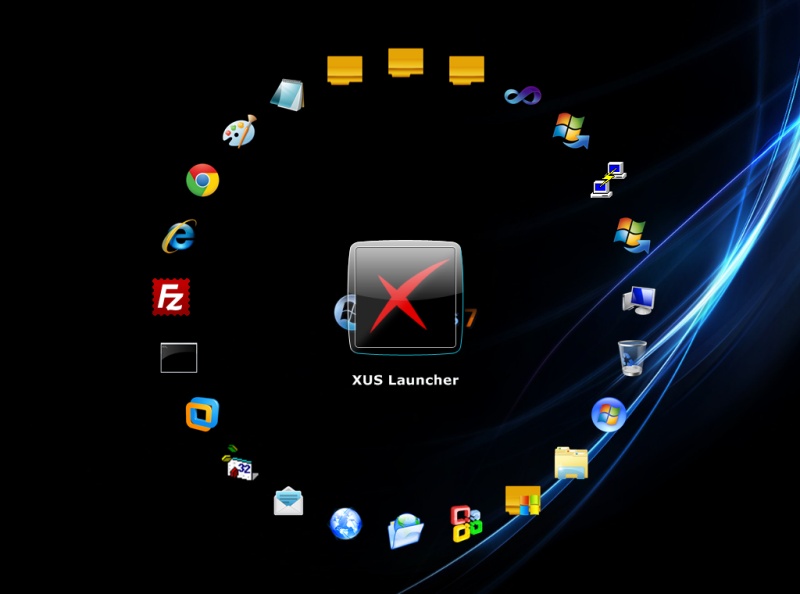
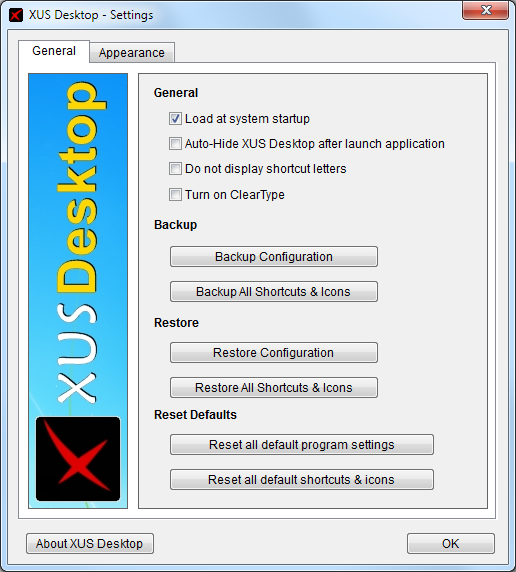
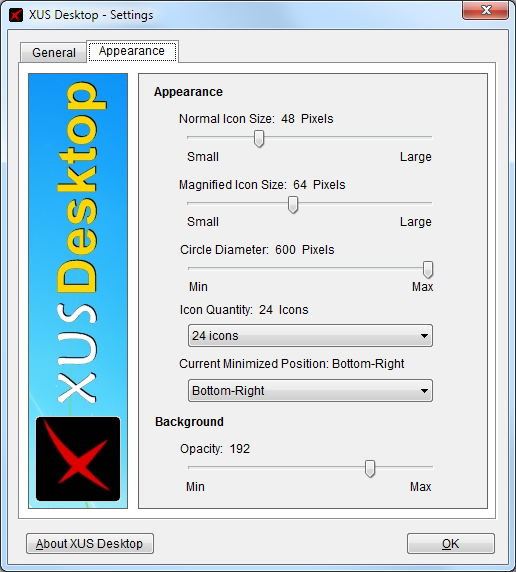
It adds a circle on the desktop, which can contain up to 48 different icons and shortcuts. Besides that, the user can add any
program shortcut to the circle. What's more, the opacity level and size of the icon circle can be customized. Furthermore,
the program's settings and the list of icons can be backed up as a file, for reusing it later on.
Cons:
The program doesn't allow moving the icon circle on the screen, as it can be displayed only in the middle.
Summary:
"XUS Desktop adds an icon circle on the desktop, allowing you to access any program or Windows feature in the shortest time
possible and with great ease."
Reviewed by John
"The idea of this program is a good one, you have your most-used applications, documents, folders, etc., within easy reach and the circular arrangement of the icons makes them faster and more efficient to access with the mouse. This is a very good software."
Reviewed by Eric
"Oh, It's a THING OF BEAUTY!!!! Now, I'm super excited about how much simpler this is going to make using Windows! AWESOME!!!"